5 Super-Specific iPhone Tricks You Need To Know Right Now
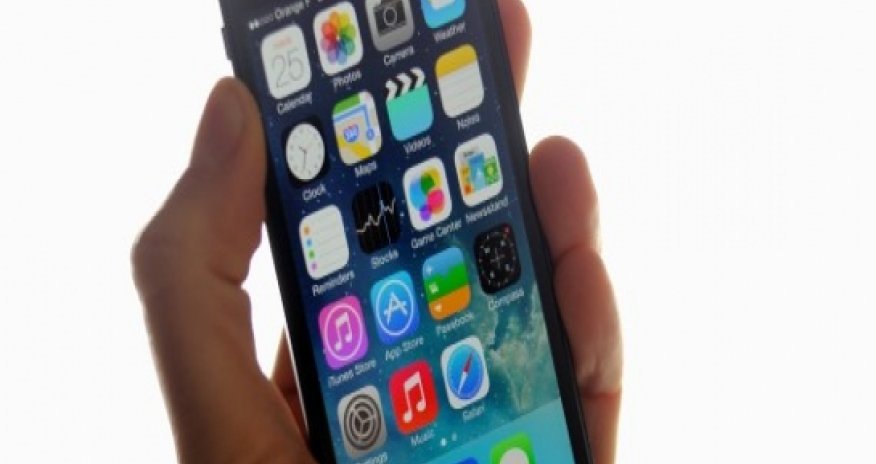


There are a few other somewhat more obvious ways to make your iPhone speedier, like deleting photos, music and videos, turning off Siri and disabling auto downloads, but here are some easy steps for improving your iPhone's performance that you might not be aware of:1. Get rid of crap you don't needYou'd be surprised by what's taking up so much space on your iPhone. To check your usage, go to Settings, then General, then scroll down and click Usage. It might take a minute to load, but you'll be able to see which apps are taking up the most space on your iPhone. Then, remove what you can. That weird game you never play might actually be taking up a ton of space on your phone. Trash it!2. Treat it like a computer and clear your browser's cacheYou know clearing your computer browser's cache is beneficial, but you probably haven't been clearing your iPhone's browser's history, cookies and data. To do this, go to Settings, then Safari (or whatever browser app you use), then you'll see "Clear History" and "Clear Cookies and Data."If the letters are blue, that means you can clear the data. Press both buttons. If they're grey, that means you've just recently cleared the data, so there's nothing to remove.3. Delete old textsAs you might have noticed when you looked at your data usage, your text messages actually take up a lot of space on your iPhone. In particular, photo and video texts take up space. Here's how to delete them. First, go into a text message conversation and hold down on a sent text. You'll see this:From there, you can manually check off texts you'd like to delete and press the little trashcan. If you're feeling bold, click "Delete All."4. Turn off auto app updatesAuto app updates are a convenient part of iOS 7, but they'll drain your battery and gobble up your data. You can turn off the auto updates and update manually when you're connected to Wi-Fi and plugged in. To turn off auto app updates, go to Settings, then scroll down and click iTunes & App Store.There, push all of the buttons to the left to turn off automatic downloads. It looks like this:5. Turn off location servicesThis is important for speed, battery life and privacy. A lot of apps use location services to determine where you are, and it's generally not necessary. Go to Settings, then Privacy, then Location Services. From there, you can choose to turn it off completely (not necessary) or just turn it off for certain apps. Some, like Maps, obviously need your location to best serve you. But many, like Facebook, don't need to know where you are. Turn off location services for apps that don't necessitate it. (huffingtonpost.com)ANN.Az














 Photo
Photo 



 Video
Video