Make your text message notifications private on iPhone
14.01.2014 12:30


If you’re like me, your phone contains your deepest, darkest personal secrets — some of which may be encapsulated in text message conversations.
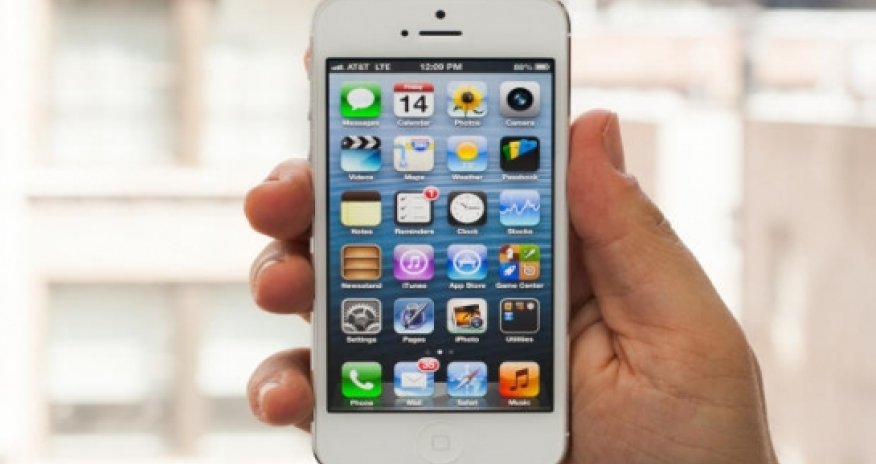
Unfortunately, the default setting on iPhones is to display the first few words of a text message on the front of your screen, whether it’s locked or not, so that anyone glancing at your screen can see. But, you know, sometimes the first few words of a text message are all it takes for you to get in trouble with whomever reads them.So, let’s change that, why don’t we?Go to Settings > Notification Center. Scroll down to the Include section and select Messages. From there, scroll down to Show Preview. Turn that feature off.All done! Now you can communicate weird and personal things with anyone, without worrying about creepers glancing over your shoulder.(yahoo.com)ANN.Az














 Photo
Photo 



 Video
Video